Paper, spreadsheets, whiteboards
They are quick to start, and every crew already knows them. The record ends where the page or the text thread ends, or in the owner's head.
The software operating layer for critical operations.
of maintenance Technicians' time goes to fixing equipment; the rest is looking for parts and tools, waiting for equipment, and documenting completed work.
McKinsey & Company, 2021The approved procedure sits in one place. The qualification list sits in another. The parts request sits in a third. At some levels, twenty different tools hold pieces of the same job, and none of them talk to each other.
Someone on the crew calls out. The work order is already on the schedule. Who covers it, and who holds the certification for it?
What strains and breaks operations is not technology. It is not the human element, but where the two converge.
They are quick to start, and every crew already knows them. The record ends where the page or the text thread ends, or in the owner's head.
Forms, scheduling, a CMMS and work instructions each do their one job well. The handoff between them is done by hand.
It covers the whole organization from one vendor. Built for the organization as a whole, detached from the field and never meant for the people who do the work there. Rollout takes quarters, years, or never, and its promises break.
Coordinators and schedulers can reconcile what the tools do not. The record is still assembled by hand, one update at a time.
Most enterprise software is built around one fixed set of generic data tables made to cover any organization. OpCor is for the people that run the operations. A system must fit its users.
Every operation runs on a defined process. That process belongs to the people who run the work.
OpCor carries it from the people who do the work into execution, back from the field, and on to the people who run it next. COR (Clarify, Optimize, Refine) sits at the base of it, where people work together to refine the process and its standards.
The AI proposes. Your people review and commit.
Someone talks through, types or drops in a file of how the work is done, and the procedure comes back as a draft.
Nothing the AI drafts goes live until your people approve it, and a person always gives the final approval. Because every draft comes back complete and the same way every time, one or two of the usual review steps can come out, saving time and keeping the reporting accurate.
When a work order is created, the matching approved procedure comes up with it, and Close waits until the steps, the safety briefing and any blockers are cleared.
The Technician speaks it in their natural voice or types it, and the AI standardizes it to the organization's language as it fills the work order's findings fields: the issues found, the parts needed and how long it took.
Someone talks through, types or drops in a file of how the work is done, and the procedure comes back as a draft.
Nothing the AI drafts goes live until your people approve it, and a person always gives the final approval. Because every draft comes back complete and the same way every time, one or two of the usual review steps can come out, saving time and keeping the reporting accurate.
When a work order is created, the matching approved procedure comes up with it, and Close waits until the steps, the safety briefing and any blockers are cleared.
The Technician speaks it in their natural voice or types it, and the AI standardizes it to the organization's language as it fills the work order's findings fields: the issues found, the parts needed and how long it took.
The AI is already embedded in every application. Ask your operation a question in plain language, and the answer comes from your own records, inside each person's permissions. It works only within the limits your organization sets, and does nothing on its own.
As the work happens, notes and findings, typed or spoken, sort into the work order's findings fields. The Plan of Day, the End of Day and the monthly roll-up are one click each, built from the work orders and findings already logged. An old inspection PDF, a spreadsheet or a spoken description becomes a digital form, and it can be opened and filled in from any device.
Someone talks through, types or uploads how the work is done today, and COR returns an SOP and a step-level process map: steps, decision points, handoffs by department and role, each step's tool, owner and time estimate. The published SOP becomes the organization's document of record, and the foundation for continued improvement initiatives. When a work order is created, OpCor proposes the matching approved procedure for it.
The schedule shows worker lanes, work blocks, time off and the backlog pool in one view. A change to it is flagged when it double-books someone or misses a skill, a certification, a procedure or a safety step, dependency chains clear as each order closes, and an assigned worker's later orders shift down the lane when their plan changes. A part requested from the work order goes to Chain, and the Work Queue surfaces the work orders, and the issues within work orders, that need attention, flags the high priorities and recommends what each one needs.
Each requirement is set up once, with its connectors and what each one maps to, and from there evidence routes to it, and to its location, automatically: approved Forms entries, Library documents, uploads and connector feeds. Requirements are entered by typing or voice with a reference, a cadence and a priority, or AI Extract proposes them from an uploaded regulation, contract, SOP or policy for review. The dashboard shows coverage and overdue requirements each time it opens, and an audit runs for a period and a scope, scored and logged at every step.
Work starts once a procedure is approved and the assigned owner and participants have acknowledged the approved artifacts that exist. Where no safety artifact exists, an AI JHA draft generates for administrator approval, and Close waits until the steps, the safety briefing and any blockers are cleared. Assignment checks skills and certifications and flags a missing one.
COR scores the process as it runs today against the forecast on cost, labor hours, quality risk across eight factors and worker burden across six, before anything changes. Every assessed process lists on one screen by forecast gain, the biggest at the top, and a change refines in conversation and previews before it applies. We have not found this forecast as a product anywhere.
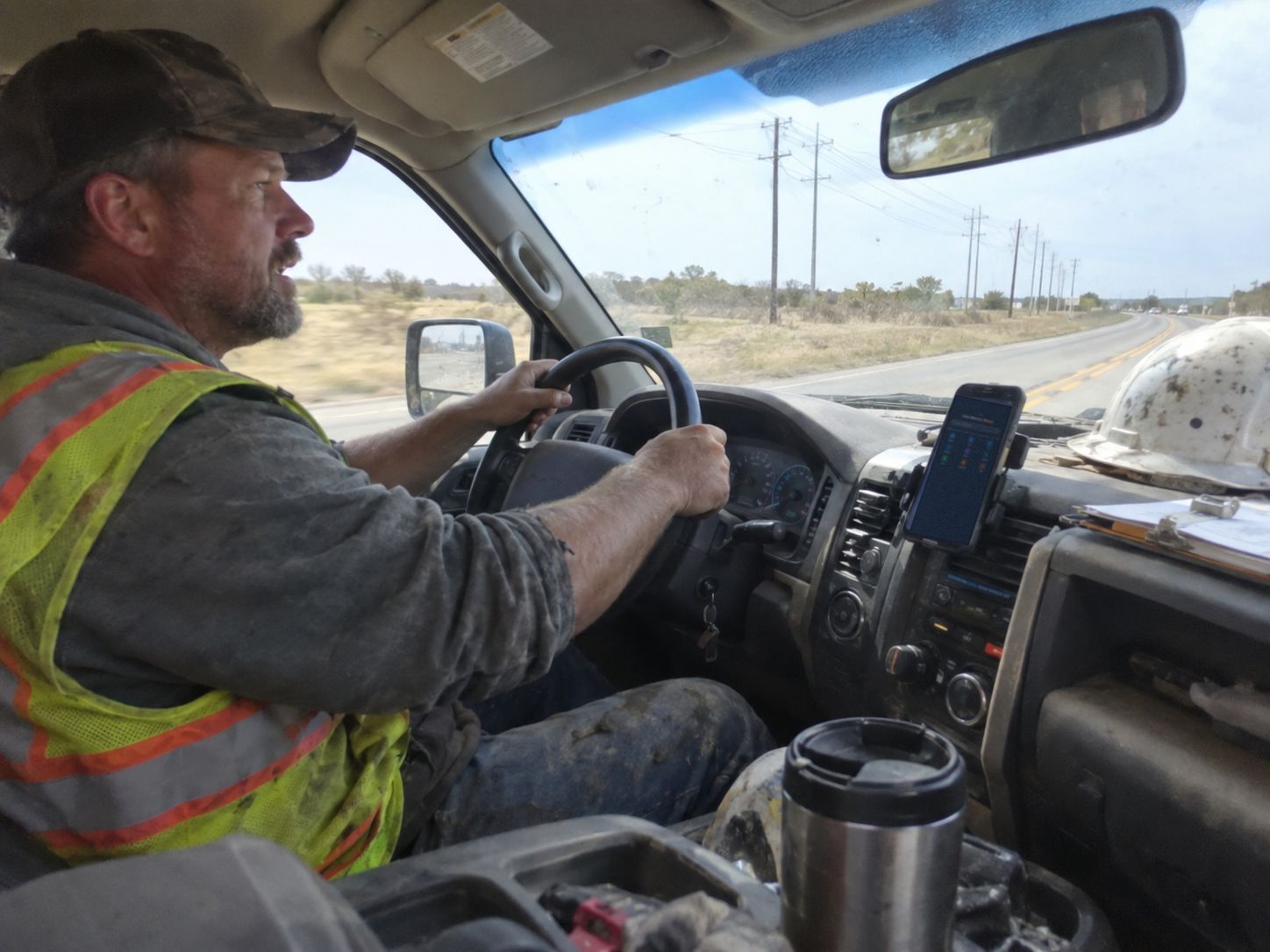
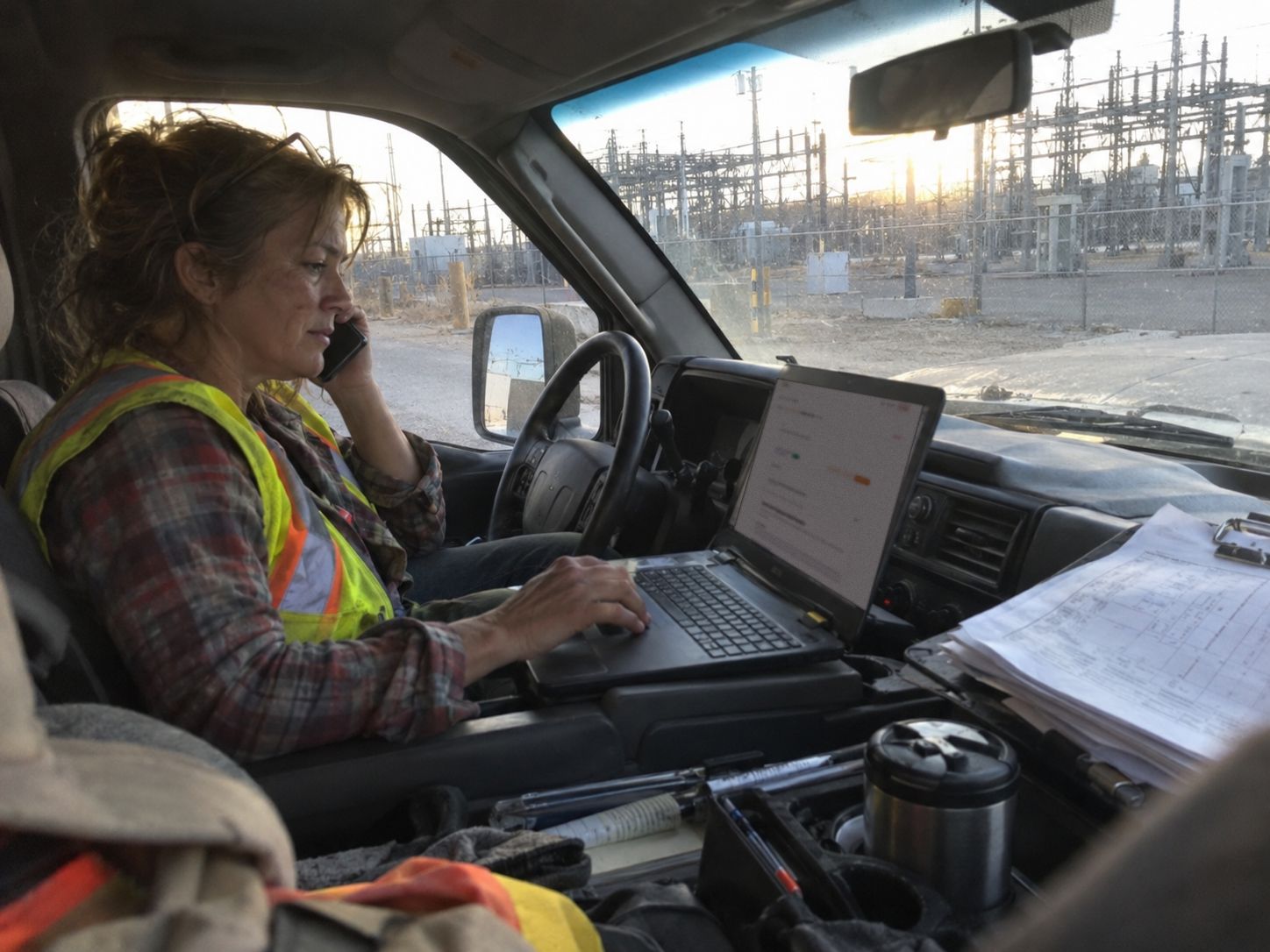
Technicians and crews doing the work meet OpCor at the work order with the right information and access to the resources they need to get it done.
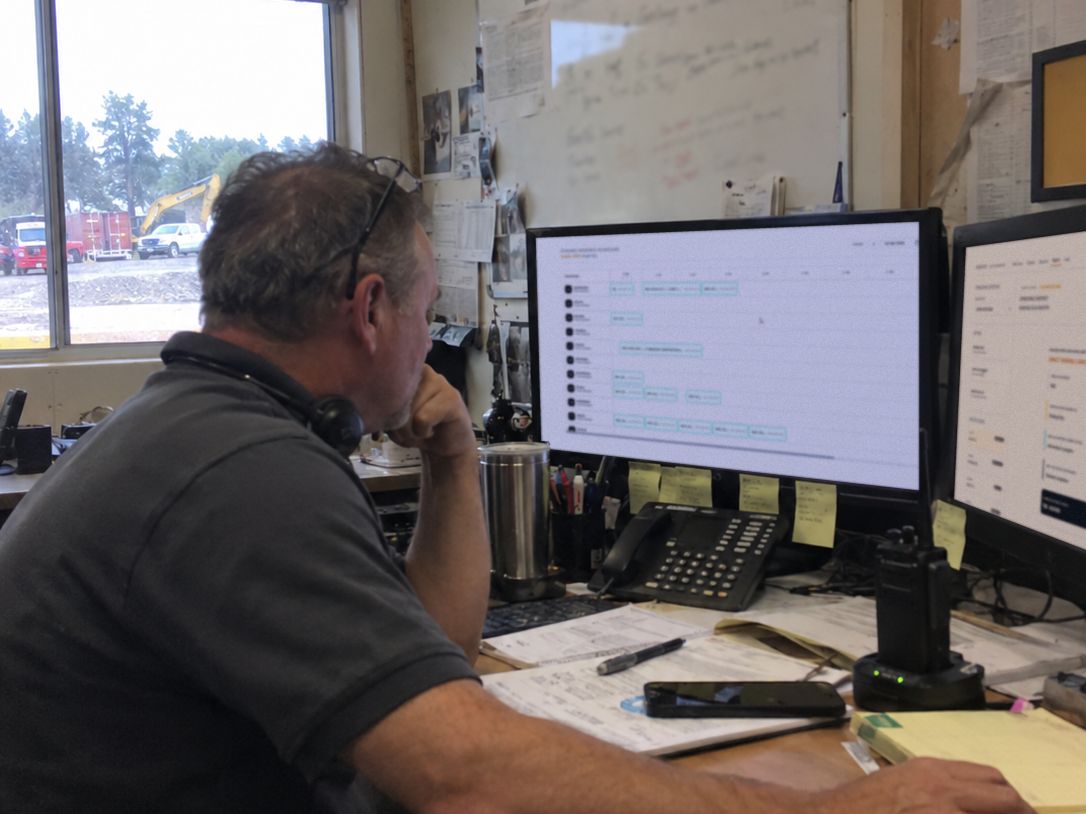
Schedulers, coordinators, supervisors and operations managers meet OpCor at the schedule, the assignment and the roll-up.
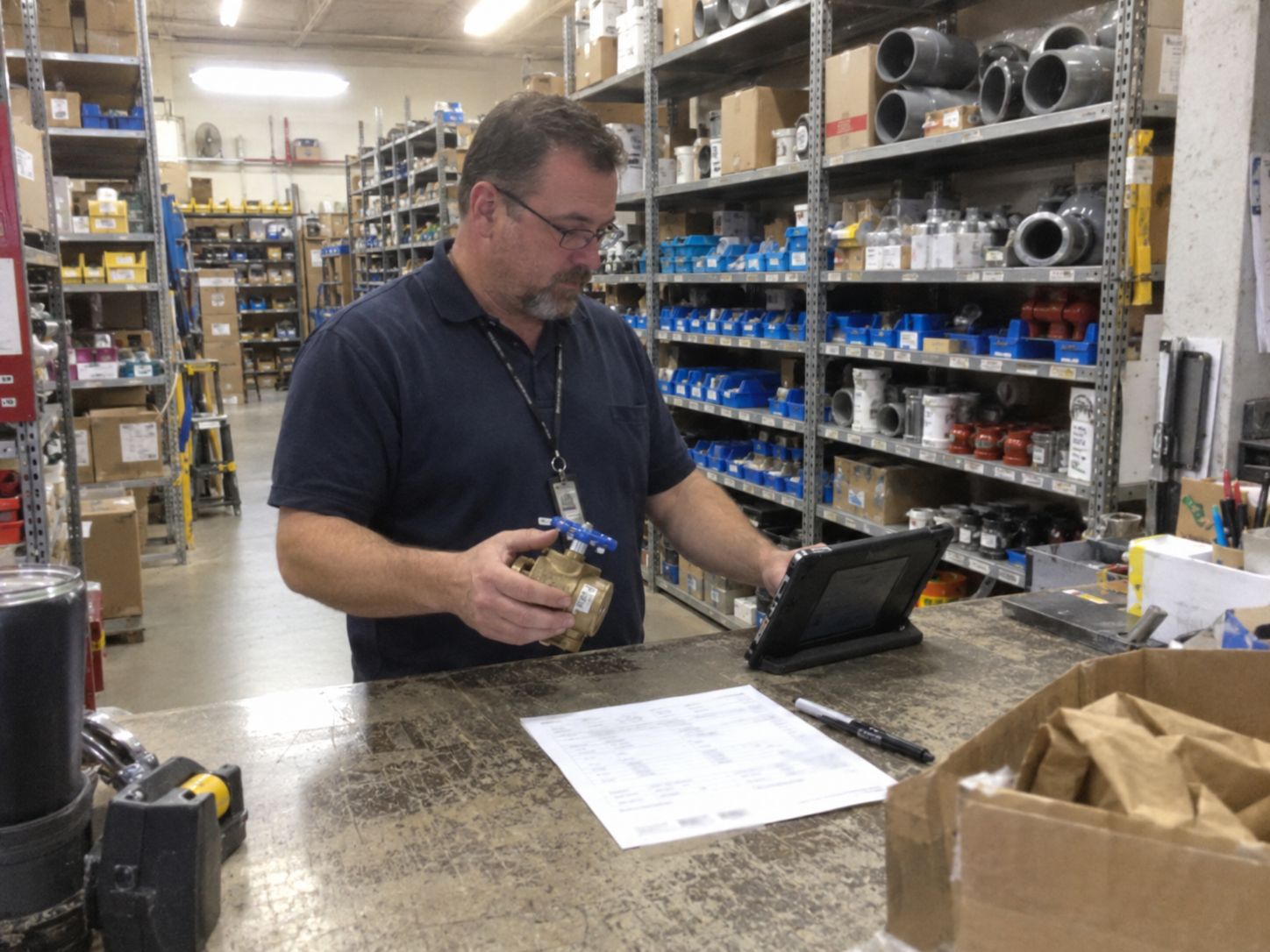
Compliance, procurement, administration and leadership meet OpCor at the evidence, the vendor record and the forecast.
of all rework in the US is caused by poor project data and miscommunication, in a survey of nearly 600 construction leaders.
FMI and PlanGrid, 2018more at the median for workers' compensation claims reported in week four after the injury than in week two, an association, not a cause.
NCCI, 2015By hand, finding the right procedure for a work order takes up to 15 minutes, and sometimes it is not found at all. The Plan of Day and the End of Day take about 30 minutes each a day. From the live record, those reports are instant: a click of a button.
Across the processes assessed in COR, about 45% of process time was identified as recoverable before any change was committed. The same forecast put quality risk down about 50% and worker burden down about 21%.
Tell us what you want to see most on the form.
Pick a time that works for you.
On the call we listen to your questions, then show you OpCor running on what you picked.
Choose what you want to see most, pick a time that works for you, and on the call we listen to your questions and show you OpCor running on what you picked.