Fitted to the operation
Departments, roles, named people and approval steps are configured to how the operation runs, small, medium or large.
OpCor is nine applications on one platform: Forms, Tasks, Flow, Library, Comply, Chain, Reports & Analytics, Perform and COR. They share one record and one permission model.
Ours runs today.
The process, forecast before it changes
Someone who runs the job describes how it works today, and COR returns an SOP, a process map and a forecast, before anything is committed.
Task boards from a plan or a description
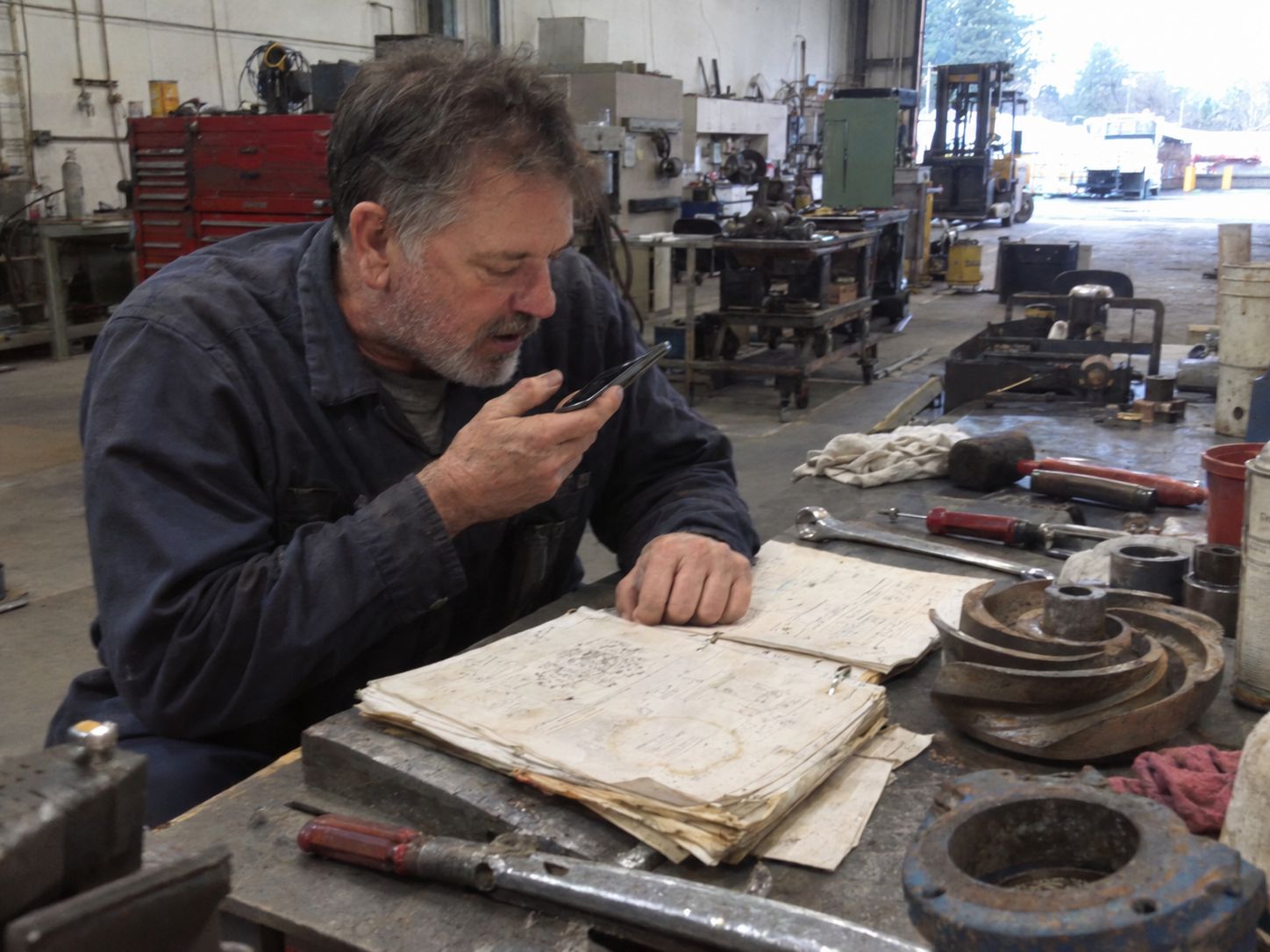
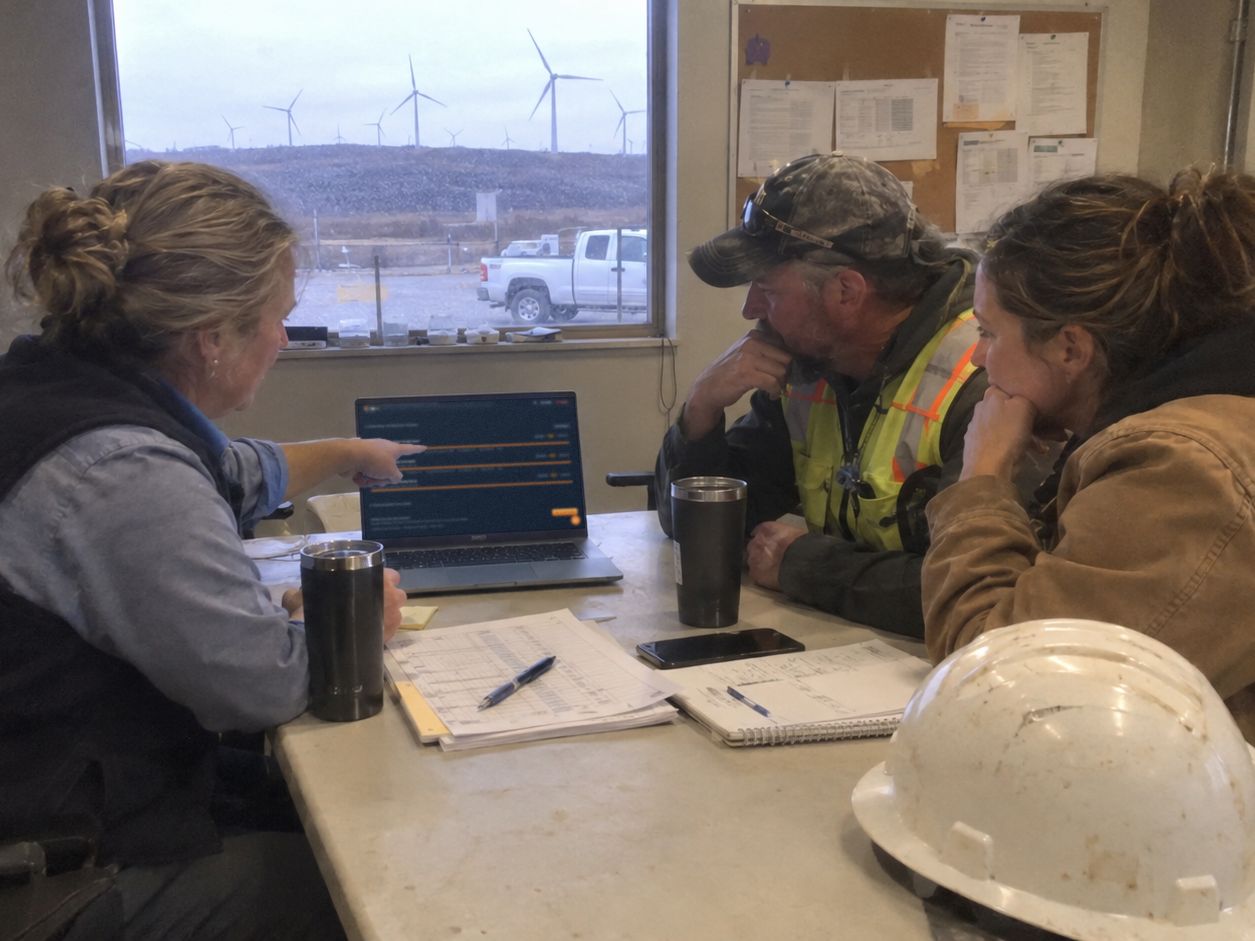
Tasks is a shared board for the notes that now sit scattered across different utilities, shared across projects and people, right there in the same platform, and what goes on it feeds the organization's knowledge base. Someone opens Tasks with a plan already written, as text or an uploaded file, and the AI Task Builder stages a proposed board of cards with checklists for review.
Hand over the old inspection PDF
An administrator uploads the PDF, or describes the form in plain language, and Forms returns a digital template. The administrator reviews and edits every field before it is published. Technicians fill it in and submit it, it is approved or rejected, and an approved entry is filed in Library.
Assign the work and Flow checks certifications
Assigning a work order checks the assignee's skills and certifications and flags a missing one. Work does not start until its procedure is approved and the assigned people have acknowledged the approved artifacts, and Close is held until steps, the safety briefing and blockers are cleared. The Plan of Day, End of Day and monthly roll-up are one click each, built from the work orders and findings already logged.
Open the record the work left
Approved form entries are filed in Library as documents of record. When an administrator needs evidence in Comply, a published SOP can be attached from Library.
Set up once, evidence routes itself
Upload a regulatory PDF, contract, SOP or policy, and Comply AI Extract lists the requirements as pending review. Set each requirement up once, with its connectors and what each one maps to, and evidence from approved Forms entries, Library documents, uploads and connector feeds routes to it, and to its location, automatically.
No idle stock, no stalled jobs, vendors on track
A part is requested from the work order, and stock across every location is found by name, by voice or text, before anything is bought or moved. The RFQ and purchase orders follow. Vendors are onboarded and kept current in one place, found the same way.
Drop in the data, pick the analysis
Someone drops in a dataset and describes what they want to understand. Reports & Analytics recommends an analysis method, runs it, and returns a narrated report.
Upload the contract, set the objective
Someone uploads a contract or spec, and Perform extracts the metrics, targets and thresholds for review. Someone sets a strategic objective, Perform drafts an AI plan, and each action runs through the application that owns it.
Departments, roles, named people and approval steps are configured to how the operation runs, small, medium or large.
Start with one application or run all nine. Each stands on its own, and each reads from the same record.
OpCor was built with 20-plus years of operational leadership experience. Each application has two seats in mind: the Technician doing the work and the person answering for it. Both get what their part of the job asks for, in the words of the organization.
What the field needs goes out on the work order, where the work happens. What the field sees comes back the same way, typed or by voice, and stays on that work order as the record. The Technician and the operations lead read the same page.
At the start of the work, talk, type or drop in a file, and the AI structures it. At the other end, ask your operation a question in plain language and it answers from your own records. It is embedded across the platform, so you just interact with it the way that you already work.
The AI is embedded and the assistance is already there, so nobody needs prompt skill to start.
OpCor integrates with the systems that create your work orders and your existing data, through OpCor's API or by connecting to your server.
OpCor is ready to use from day one.
Tell us what you want to see most and pick a time that works for you. On the call, we listen to your questions, then show you OpCor running on what you picked.